
Less manual work
Let the tools move data, send emails and send reminders.
AI, automation & data
I automate recurring tasks – like forms to spreadsheets, email sends and reports – and build Excel or Google Sheets files that do the work for you.
Benefits
Small manual tasks repeated every day take more time than you think. They can often be automated.
Let the tools move data, send emails and send reminders.
The same steps are done the same way every time, with no copy-pasting.
Spreadsheets and reports that show what you need to know.
Built in Zapier, Make, Excel or Google Sheets.
Zapier or Make: forms, emails, reminders and more.
Spreadsheets with formulas, lists and templates.
Summaries that update automatically.
From 1 200 SEK (~€105)
A clear package to start from. If you need something more or different, we adapt the plan.
1 200 SEK (~€105) is a starting price. You get a fixed price after a free consultation, before any work begins.
How it works
Everything is done remotely, and you can follow along the whole way.
You tell me which task you want to get rid of or simplify.
I suggest a solution and give you a fixed price.
I build and test the workflow or spreadsheet.
You get the solution and a short guide, ready in 3 working days.
Concepts, not client work
Setups drawn as examples. They aren't connected to real systems or clients.
Example · Automation
A typical workflow, drawn as an example. Not connected to a real system.
Example · Report in Google Sheets
| Week | Enquiries | Answered |
|---|---|---|
| Wk 1 | 12 | 12 |
| Wk 2 | 9 | 8 |
| Wk 3 | 14 | 14 |
Made-up numbers that show the setup. Not data from a real business.
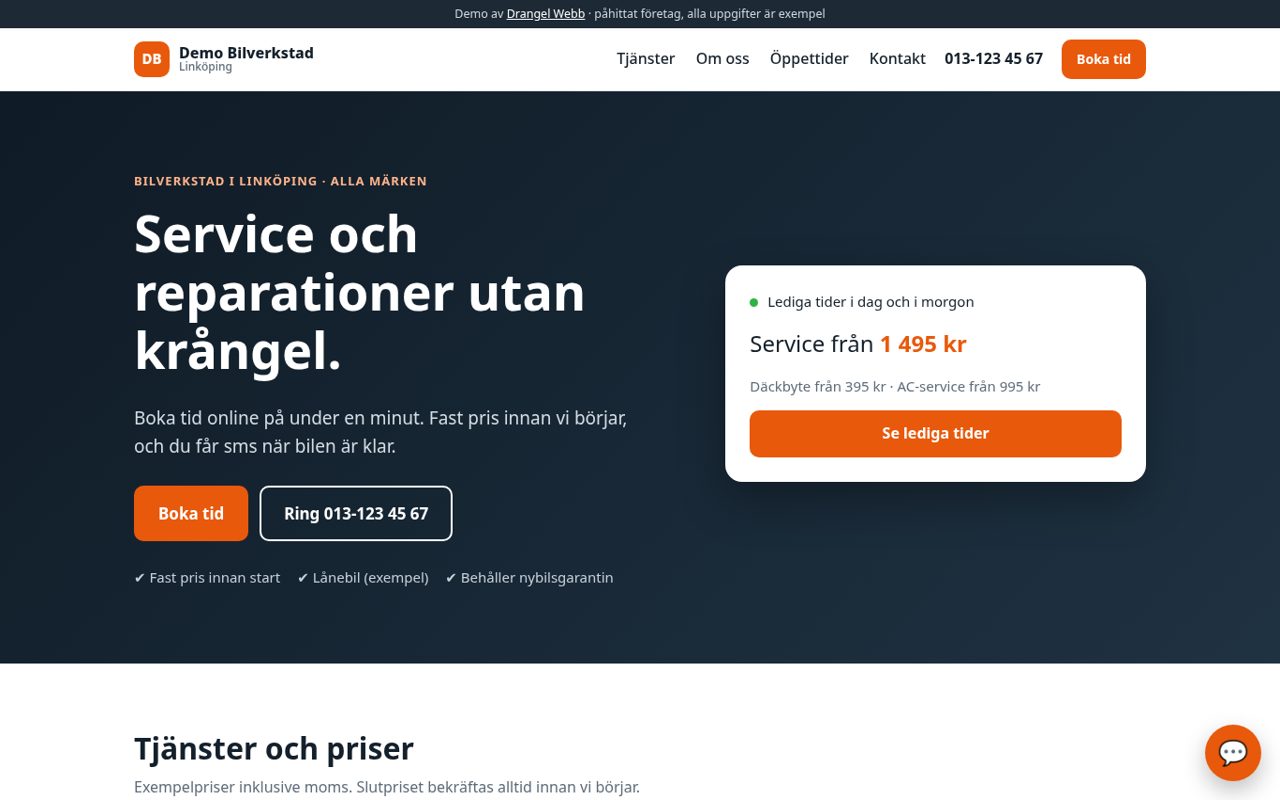
Demo · Missed-call SMS + online booking
A fictional workshop with missed-call SMS, online booking, reminders and a chatbot.
View demoYou'll find more clickable demo sites under Websites.
Frequently asked questions
Short answers about automation. Get in touch if anything is missing.
Mainly Zapier and Make for automations, and Excel or Google Sheets for spreadsheets and reports.
Both have free tiers, but at higher volumes the tool may cost money. We go through that before I build, so you know what to expect.
Ideally you invite me or share just what's needed. Never send passwords in a regular email.
Yes. Send me the file and I'll see what can be improved or automated.
You get a guide that shows how the workflow is built. If anything needs adjusting later, we can handle it as a small job.
Next step
Tell me briefly what you need, and I'll come back with a proposal and a fixed price.
Email: mackandrangel@gmail.com
Email me
Write a few lines about your business and what you need. The subject line is already filled in: “AI, automation and data enquiry”.
Send an emailMore services
Automations work best together with a website and clear routines.